
Getting Started
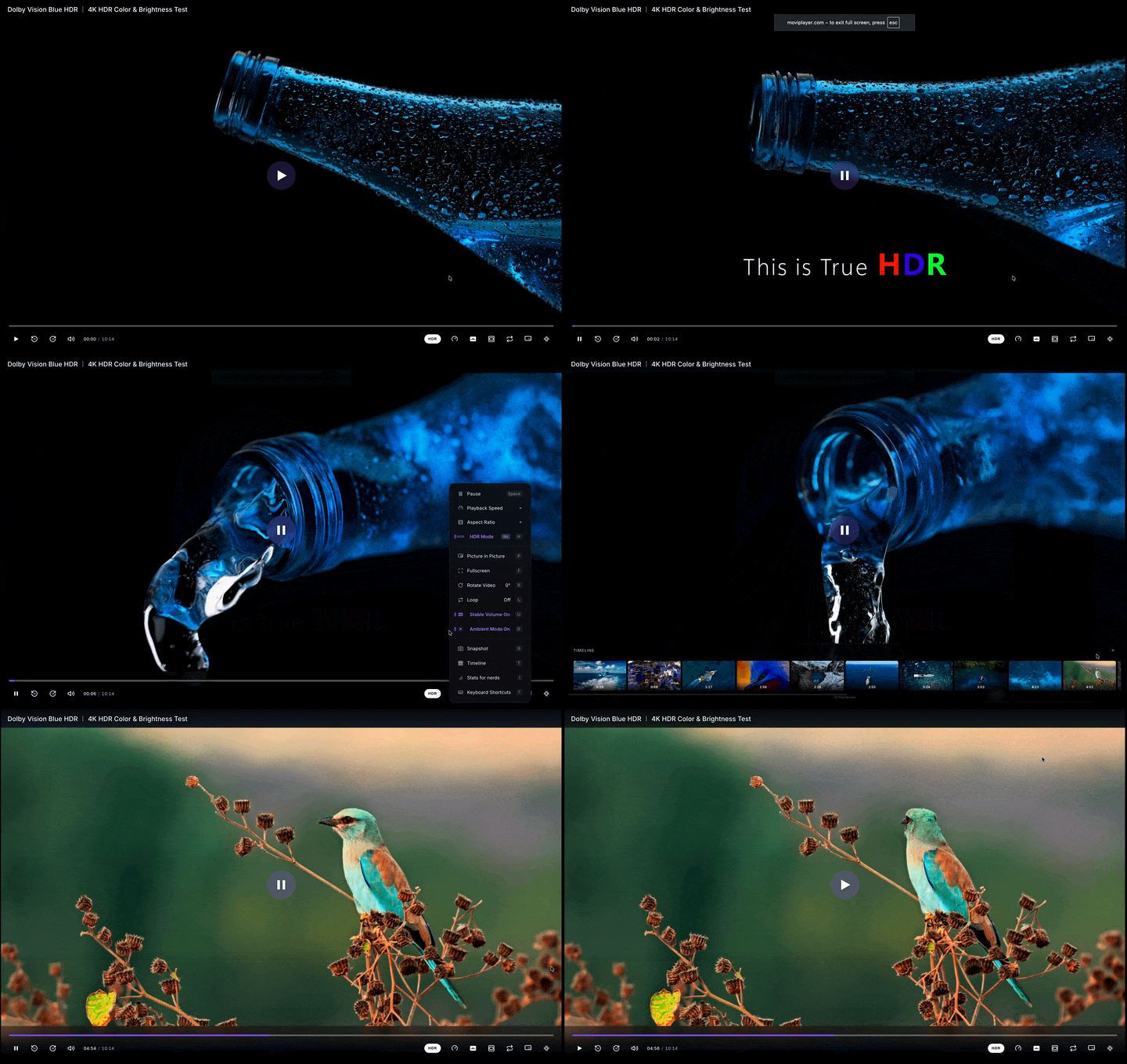
Welcome! Movi-Player is designed to be easy to integrate whether you want a drop-in video player or a powerful programmatic API for professional workflows.
Choose Your Path
There are two main ways to use Movi-Player:
🧩 Custom Element (Recommended)
Best for: Most websites, blogs, and apps. The easiest way. Works just like a standard <video> tag but with HDR, MKV support, and premium UI. Skip to Custom Element Guide
⚙️ Programmatic API
Best for: Video editors, players with custom UIs, and performance-critical apps. Gives you full control over demuxing, decoding, and rendering. Skip to Programmatic API Guide
🏎️ Quick Start: Custom Element
The fastest way to get Movi-Player running in your browser.
1. Installation
Install via your preferred package manager:
npm install movi-playeryarn add movi-playerpnpm add movi-player2. Implementation
Simply import the library and use the <movi-player> tag.
<script type="module">
  import "movi-player";
</script>

<movi-player
  src="https://example.com/video.mp4"
  controls
  autoplay
  muted
  style="width: 100%; height: 500px; border-radius: 8px; overflow: hidden;"
></movi-player>
🛠️ Quick Start: Programmatic API
If you need lower-level control, use the MoviPlayer core class.
import { MoviPlayer } from "movi-player/player";

const canvas = document.getElementById("canvas") as HTMLCanvasElement;
const player = new MoviPlayer({
  source: {
    type: "url",
    url: "video.mp4",
  },
  canvas: canvas,
});

// Load and play
await player.load();
await player.play();
⚡ Try it without Install (CDN)
Perfect for quick prototypes or testing.
<script type="module">
  import "https://unpkg.com/movi-player@latest/dist/element.js";
</script>

<movi-player src="video.mp4" controls></movi-player>
CORS & Headers
Movi-Player runs on a single-threaded WebAssembly engine with Asyncify I/O, so it does not require SharedArrayBuffer or cross-origin isolation to play. For videos served over HTTP your server needs:
- Range Requests: Required for seeking in large files.
- CORS Headers: If your video is on a different domain.
- COI Headers (optional): Cross-origin isolation is not required — the player no longer hard-blocks or shows a "Security Headers Missing" screen without it. Setting these two headers only enables an optional zero-copy
SharedArrayBufferfast-path for HTTP streaming; without themHttpSourceuses a plain-buffer path and streams normally.Cross-Origin-Opener-Policy: same-originCross-Origin-Embedder-Policy: require-corp
Check whether the fast-path is active with console.log(crossOriginIsolated).
Want the fast-path but can't modify server headers? A Service Worker can inject the COI headers client-side (optional — playback works without it):
// sw.js
self.addEventListener('fetch', (event) => {
  event.respondWith(
    fetch(event.request).then((response) => {
      const newHeaders = new Headers(response.headers);
      newHeaders.set('Cross-Origin-Embedder-Policy', 'require-corp');
      newHeaders.set('Cross-Origin-Opener-Policy', 'same-origin');
      return new Response(response.body, {
        status: response.status,
        statusText: response.statusText,
        headers: newHeaders,
      });
    })
  );
});

// Register in your app
if ('serviceWorker' in navigator) {
  navigator.serviceWorker.register('/sw.js');
}
Or drop in coi-serviceworker which does this for you (one extra page reload on first visit).
Local Files
If you are playing local files using FileSource (drag & drop), you do not need to worry about CORS or COOP/COEP at all — local playback never touches the network.
🚀 Next Steps
- Why Movi-Player? - Learn about HDR and format support.
- Custom Element API - Explore all attributes and methods.
- Local File Playback - Build "no-upload" video apps.
- Troubleshooting - Common setup issues and fixes.